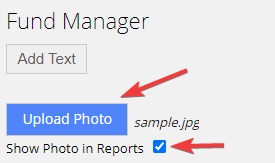
It is possible to upload a manager´s photo and show it in your fund factsheets. You can either upload the photo to your company profile or to a specific program:
- Company manager’s photo is displayed in all programs.
- Program manager’s photo is displayed on a particular report only.
If both photos are uploaded (company manager’s and program manager’s) then the program manager’s photo gets priority.
To upload Company manager’s photo
1. Go to Company Profile / Principal Information.

2. Upload the photo, tick the “Show Photo in Reports” checkbox and click Save.
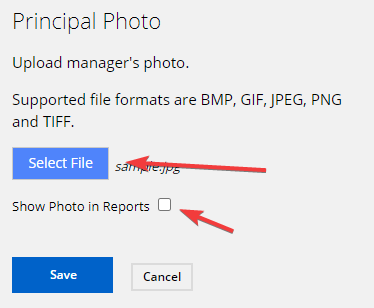
To upload Program manager’s photo
1. Select a program in the left frame and then in the right frame go to Strategy / style and click Fund manager
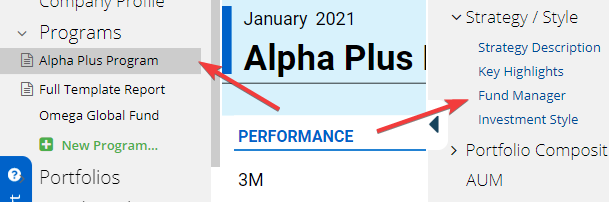
2. Upload the photo, tick the “Show Photo in Reports” checkbox and click Save