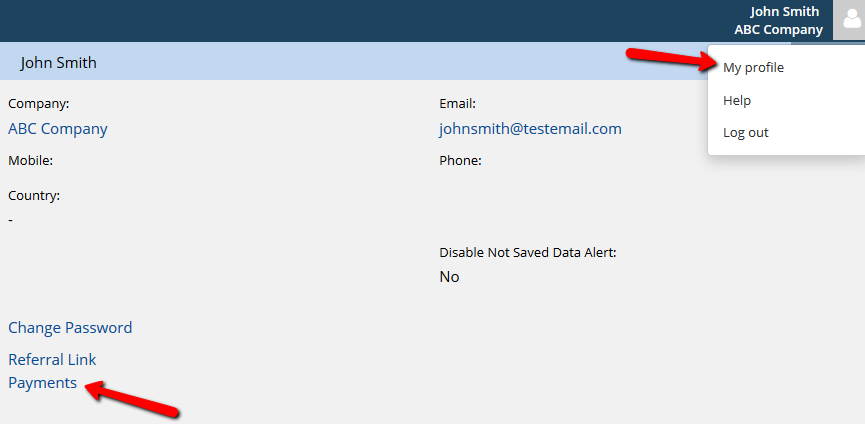
If you want to save your credit card for future payments, go to My Profile and click Payments. Please note this would not work for updating (changing) credit card information. To update credit card information a new subscription has to be created – this way the card information will be changed.
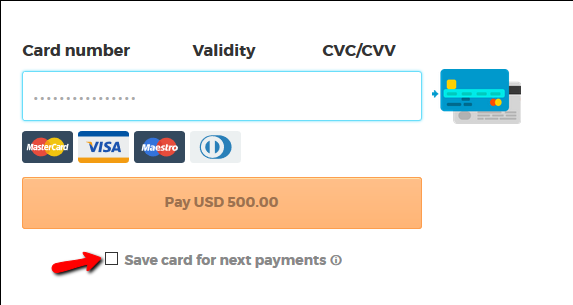
You will be redirected to our payment page. Once you confirm your payment details, choose the option Save card for next payments.