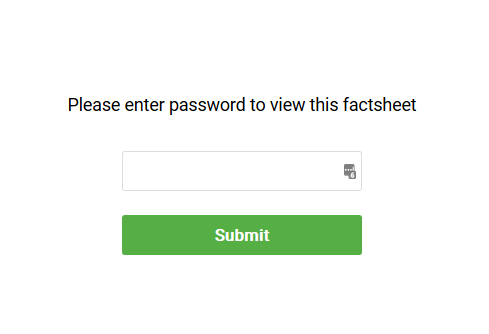
To ensure that only authorized users can view or download your fund factsheets, follow these steps to enable password protection within the Topsheets application:
- In the main left-hand navigation menu, click on “Company Profile”.
- Look at the right-side panel and scroll down to the bottom. In the “Company Settings” section, click the blue “EDIT” button.
- A settings window will appear. Locate the section titled “Password protection for factsheets”.
- Click the toggle for “Enable password protection for factsheets” so it turns blue.
- Enter your desired password in the field provided.
- Click the “Save” button at the bottom of the window to apply the settings.