The table displays the monthly performance of a program. Move your mouse over the table and click the “edit settings” icon to:
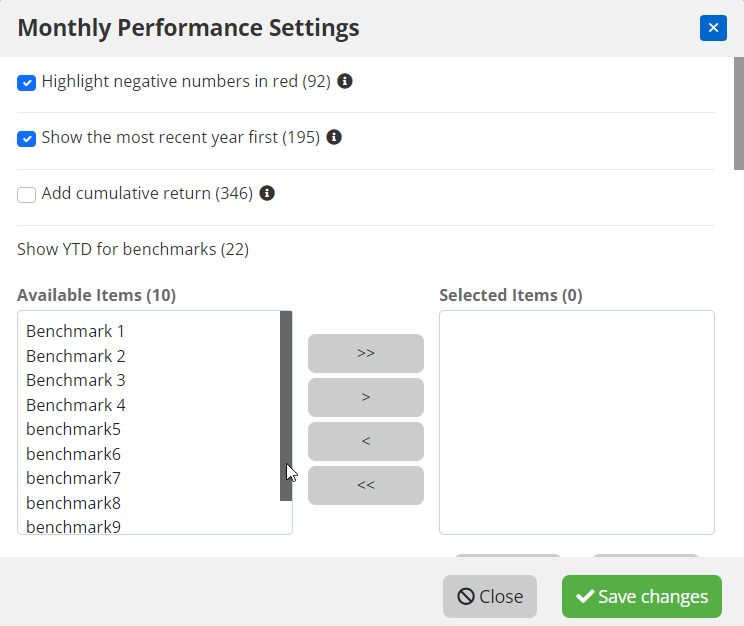
- adjust the colour of negative numbers
- show the most recent year first
- add cumulative return column
- add benchmarks´ YTD column
- show benchmark monthly data
- add statistics column (yearly)
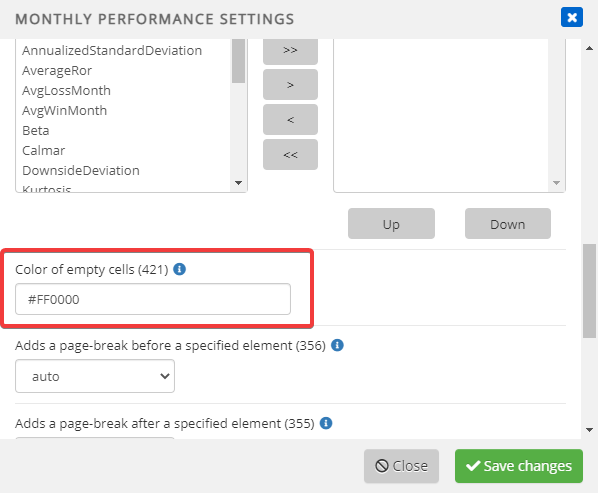
- colour of empty cells
- add Export Data link
- adjust number of periods to be displayed

After clicking the “edit settings” icon, the below pop-up window will appear. Adjust settings and click “Save changes”.
Color of empty cells
Mouse-over the table and click “edit settings”, then scroll down to Color of empty cells section. The color of empty cells can be adjusted by adding a color HEX code. For example red color is #FF0000.