If there is a table inside a text section (such as strategy description, program disclaimer, custom text article etc.) then it is a custom static HTML table. Such table can be created or edited using the text editor.
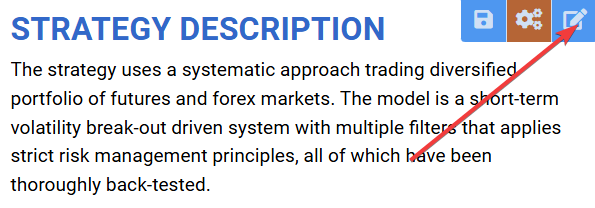
1. Start editing a text section
Click the “Edit program content” icon to begin editing the desired section.
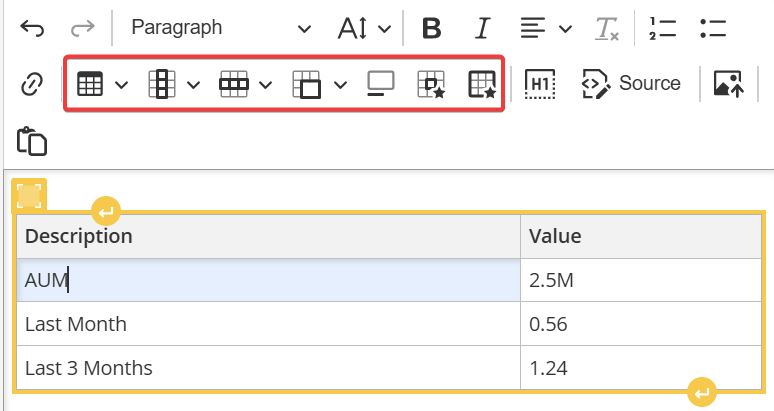
2. Create / edit table
In the text editor toolbar, use the table tools to create a new table or edit existing one.
3. Optionally edit HTML code
If you’re comfortable with HTML, you can click the “Source” tool to view and edit the underlying HTML code. See this article for more information about editing HTML.