
It is possible to automatically hide statistics, if their values are empty. This feature is available in following widgets (Statistics, Statistic List Chart, Performance statistics).
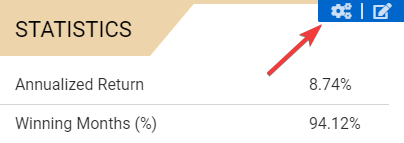
1. Move your mouse over the widget in the preview frame and click Edit settings
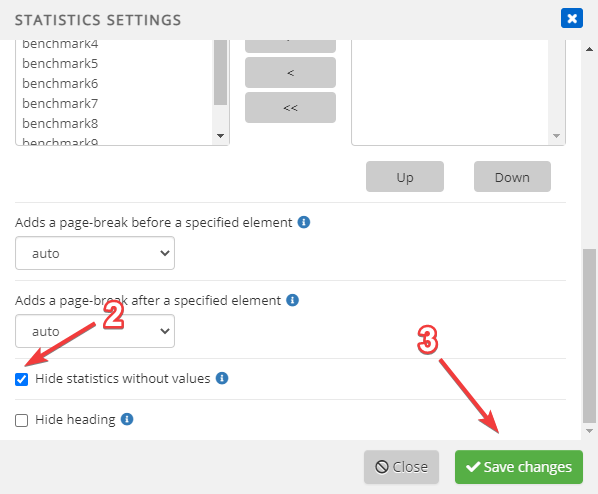
2. Scroll down and tick the checkbox
3. Click Save changes
Hide an entire widget when it has no data
Selected tables and charts can also be hidden automatically when no data is available. Open Edit settings for the widget, enable the option to hide the widget without data, and save your changes.
The empty widget remains visible and dimmed in the Template Editor and report preview so that it can still be edited. It is hidden completely in the published report.