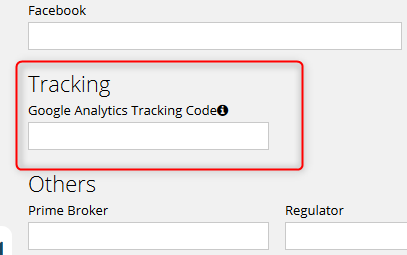
It is possible to use Google Analytics to track visitors of your factsheets. There are many articles on the internet describing how to set up Google Analytics.
1. Create a Property
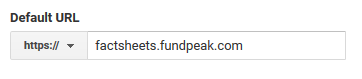
Once you have your Analytics account set up and configured, create a property. When setting up the property use https://factsheets.fundpeak.com as the defaul url.
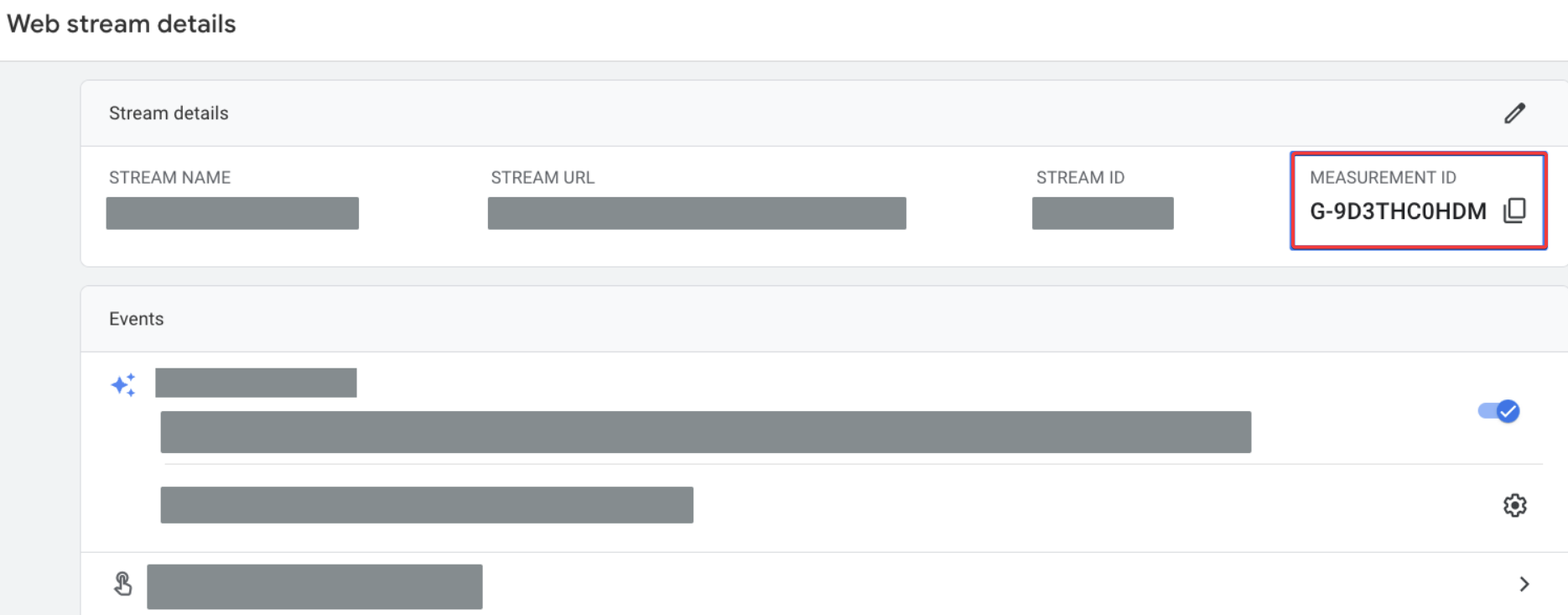
2. Find your Measurement ID
Your property contains a web data stream. The stream has an identifier – Measurement ID. Find and copy the Measurement ID. See this article for more information.
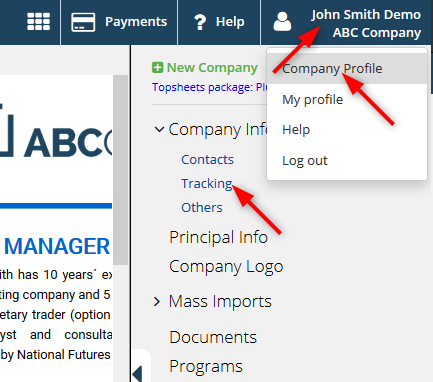
3. Add Measurement ID to Topsheets
1. Click your name in top right corner. Select Company profile and then click on Tracking.
2. Add the Measurement ID (G-XXXXXXX code) to the appropriate field and save.